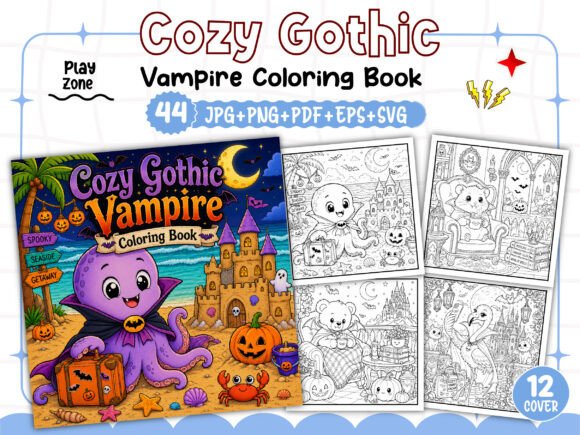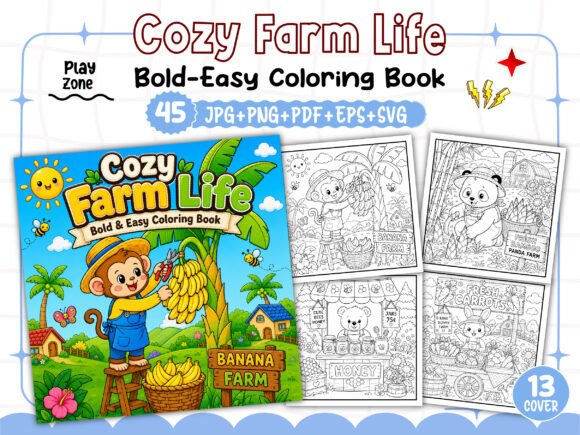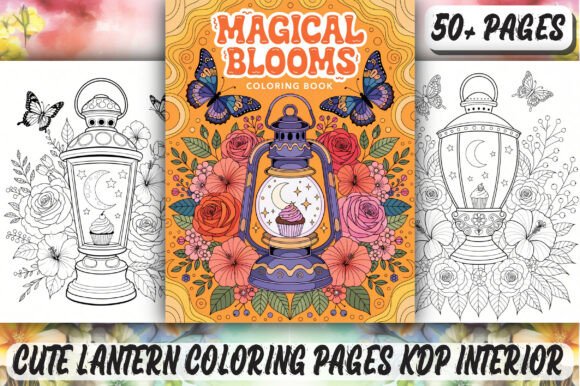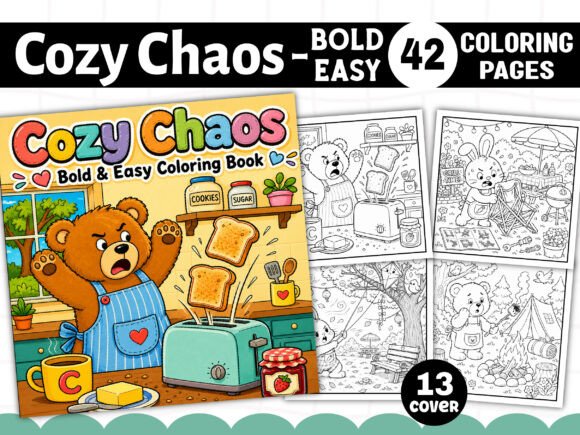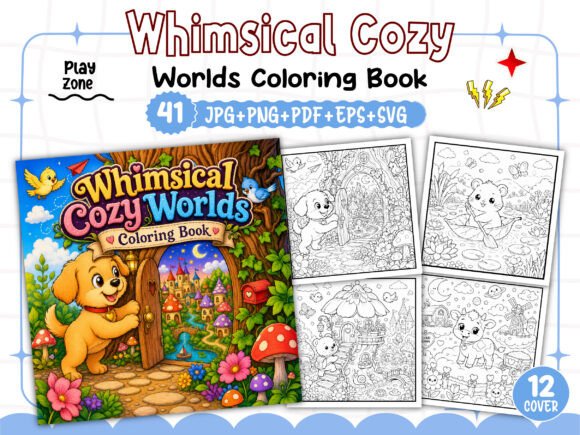
Whimsical Cozy Worlds Coloring Book: Crafting a Professional KDP Interior
Navigating Amazon KDP’s low-content and high-content book space requires more than just uploading a PDF. To truly succeed, you need an eye for design, a clear understanding of technical print specifications, and a commitment to quality that resonates with adult colorists. The Whimsical Cozy Worlds Coloring Book High-resolution Interior Download provides a robust, all-in-one toolkit for this exact purpose. However, even the best set of assets can lead to poor results if you overlook a few critical details. This guide highlights the common mistakes made when assembling a coloring book on KDP, and shows you exactly how to leverage this resource for a polished, professional listing that will generate repeat customers.
The 300 DPI Standard: Why Resolution Matters More Than You Think
One of the most common errors in the KDP coloring book space is choosing images that lack sufficient resolution for print. A beautiful digital image viewed on a screen often becomes a pixelated mess when printed. If the source file is 72 DPI—the standard web resolution—the resulting print will be blurry and jagged. This leads directly to negative reviews, high return rates, and a damaged brand reputation.
The Whimsical Cozy Worlds collection sidesteps this issue entirely. Every single file—the 41 JPGs, 41 PNGs, and the 41 SVGs—is built at a crisp 300 DPI. This term, "dots per inch," refers to the number of ink dots packed into one inch of printed space. 300 DPI is the non-negotiable gold standard for print-on-demand. When your buyer opens this book, they will encounter crisp, well-defined lines that hold up beautifully to colored pencils, gel pens, and fine-tip markers.
What to check: After downloading the files, right-click a JPG file, go to Properties (Windows) or Get Info (Mac), and look under the Details tab. You should see 300 DPI confirmed. A consistent 41-image set at this resolution guarantees a premium feel throughout your entire interior.
Navigating KDP’s Formatting Nuances: Bleed, Trim, and the Square Format
Another frequent pain point for self-publishers is misunderstanding KDP’s bleed requirements. Bleed is the area of your artwork that extends beyond the final trim size to ensure no white slivers appear at the edges of the page after cutting. Uploading a PDF without proper bleed is a fast track to a sloppy, unprofessional finish.
The dimensions of this interior are set to the highly versatile 8.5” x 8.5” square format. This size is a sweet spot for coloring books because it provides ample room for intricate line art—like the cozy cottages, curling vines, and whimsical landscapes in this collection—without the high unit costs associated with larger formats. The inclusion of a 01 PDF File Print ready and a 01 EPS File Print ready means the technical heavy lifting for bleed, trim marks, and color profile is largely handled for you.
Better approach: Always audit the PDF before uploading. Open it in a free previewer like Adobe Acrobat Reader. Zoom in to the edges to confirm the art extends beyond the trim line. Using a verified pre-formatted PDF like this one removes the guesswork, saving you hours of manual formatting and potential rejection from the platform.
Escaping the Generic Label: Making Your Interior Unique
A saturated market punishes sameness. One of the biggest mistakes you can make is publishing an interior that looks exactly like dozens of other books. If the designs feel generic, your book will be invisible in search results.
This is where the “make your own unique interior” promise becomes critical. The 41 SVG and 41 EPS files provided in this download are vector formats. This means you can open them in software like Adobe Illustrator, Inkscape, or Affinity Designer and customize the line art. You can adjust the thickness of the strokes, remove specific elements, or mirror a composition to create a new layout.
For example, if a whimsical world scene features a large cottage on the right side, you could use the vector file to flip the entire image horizontally, or reposition some decorative elements to create a distinct page. This customization allows you to sequence the 41 pages into a book that has a unique flow and feel—completely different from what another publisher might create with the same base kit.
First Impressions Count: Building a Cover with the 12 Free PNG Assets
Neglecting the book cover is arguably the most expensive mistake a KDP publisher can make. The cover is your primary marketing asset. A hastily assembled, dark, or overly generic cover will completely destroy your click-through rate, no matter how beautiful your interior is.
The 12 Free PNG Images For Book Cover included with this interior are a strategic asset designed to solve this problem. These are high-resolution, isolated elements perfect for compositing. You can import one of these PNGs into Canva, Photoshop, or KDP’s own Cover Creator and overlay your title and subtitle.
Better approach: Use these PNGs to build a cohesive brand. Create a "look" for your series by testing different background colors that evoke the "Whimsical Cozy Worlds" theme—think muted teal, sage green, dusty rose, or warm cream. Consistent branding across the cover and a professional "Look Inside" preview tells the buyer that the interior will be just as thoughtfully crafted as the exterior.
The Final Quality Check: What “Print Ready” Really Means
Even with 300 DPI, perfect dimensions, and a stunning cover, books can fail due to internal formatting gremlins. Pages out of order, duplicate images, incorrect margins, or stray pixels are common issues that lead to poor customer feedback. This is why the note stating this product is “fully tested in the Amazon Kindle Direct Publishing platform and ready to list” is the most valuable detail in the entire description.
This collection has been validated against KDP’s specific requirements, drastically reducing the chance of a rejection or a formatting error upon upload. However, you should always perform your own final audit.
What to check before hitting publish:
- Margins and centering: Flip through every page in the KDP Previewer. Ensure no critical artwork is clipped.
- File integrity: Verify that the PDF, JPG, PNG, and SVG files all open correctly on your system.
- Black and white consistency: Confirm the line art is pure black (not dark gray) for clean, crisp printing.
- Sequence: Use the 41 JPG files as a visual index to confirm the correct order of your pages.
By starting with a technically sound, creatively flexible resource like the Whimsical Cozy Worlds Coloring Book High-resolution Interior Download, you eliminate the most common risks in self-publishing. You free yourself to focus on what matters: crafting a compelling book description, optimizing your keywords, and building a brand of relaxing, high-quality art that adult colorists will love to complete. Check the resolution, verify the format, and publish with confidence.